How to Test a Rental Panel Demo in 30 Minutes (Before You Pay)
A demo shows you what a provider wants you to see. This 30-minute test makes sure you see what you actually need.
Key takeaways
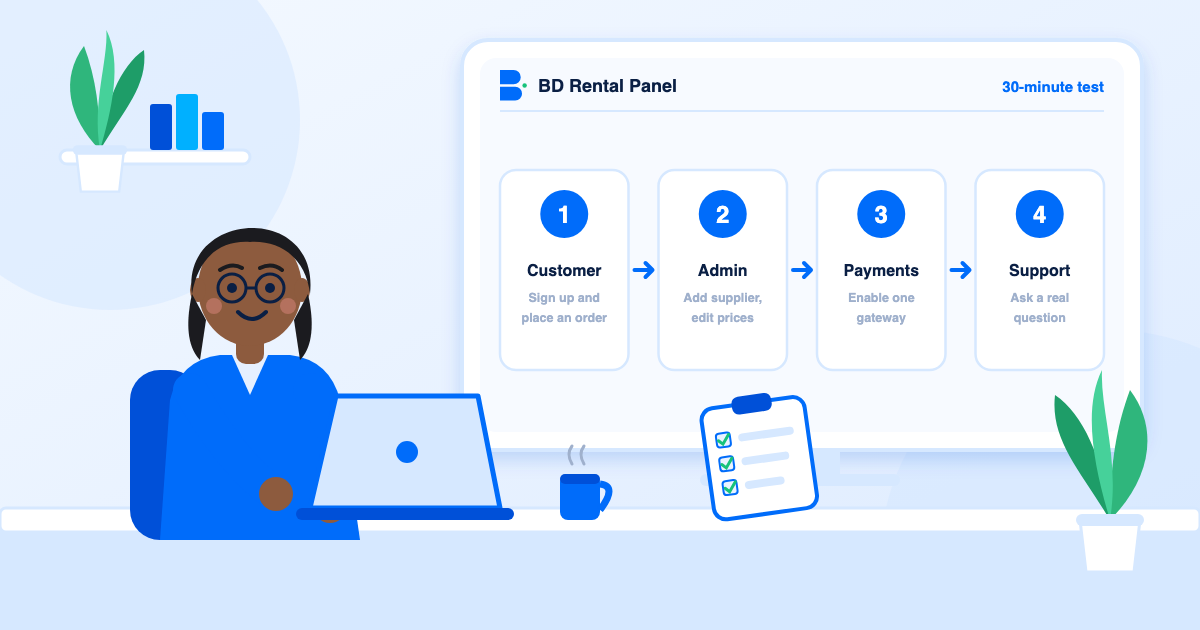
- Test as a customer first, then as an admin, then on your phone.
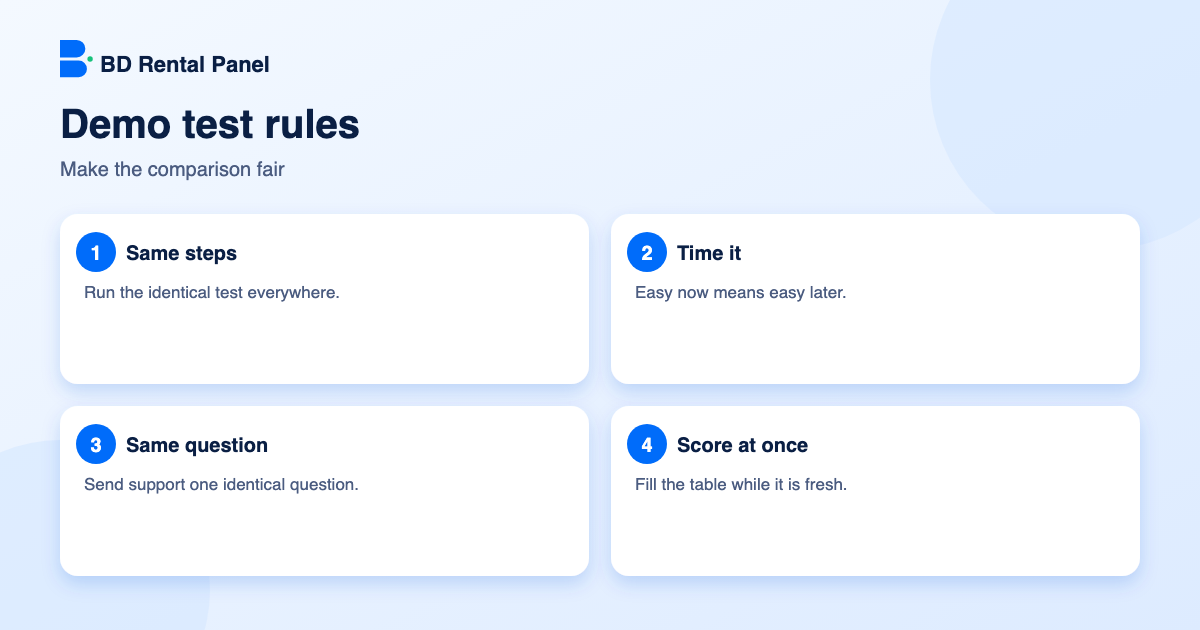
- Time each task. Easy now means easy later.
- Send each provider the same support question and compare the replies.
- Score with a simple 1 to 5 table so you compare numbers, not impressions.
A demo is the best free information you will get before paying. Most people click around for a minute and leave with a feeling. A short, repeatable test turns that feeling into a score. Run the same test on every provider and the choice usually becomes obvious.
Minutes 0 to 8: be a customer
- Sign up with a new email and note whether verification works.
- Find a service using search and categories.
- Read a service description. Is it clear?
- Go to add funds and look at the payment methods offered.
- Place a test order and watch its status.
Minutes 8 to 18: be an admin
- Add a supplier and import ten services. Time it.
- Change a price in bulk by a percentage.
- Edit a theme colour or banner and publish. How long did it take, and did it need code?
- Look at reports: payments, orders and profit.
- Find the order tools: resend, cancel, refund, edit link.
Minutes 18 to 24: payments and security
- Enable the one payment method your customers use. Is it listed and is setup clear?
- Turn on two-factor sign-in for admin.
- Create a staff account with limited access.
Minutes 24 to 30: phone and support
- Open the storefront on your phone and place a minimum-size order.
- Send a specific question to support, for example "how do I connect a second supplier?"
- Read the terms for renewal, suspension and data export.
Scoring
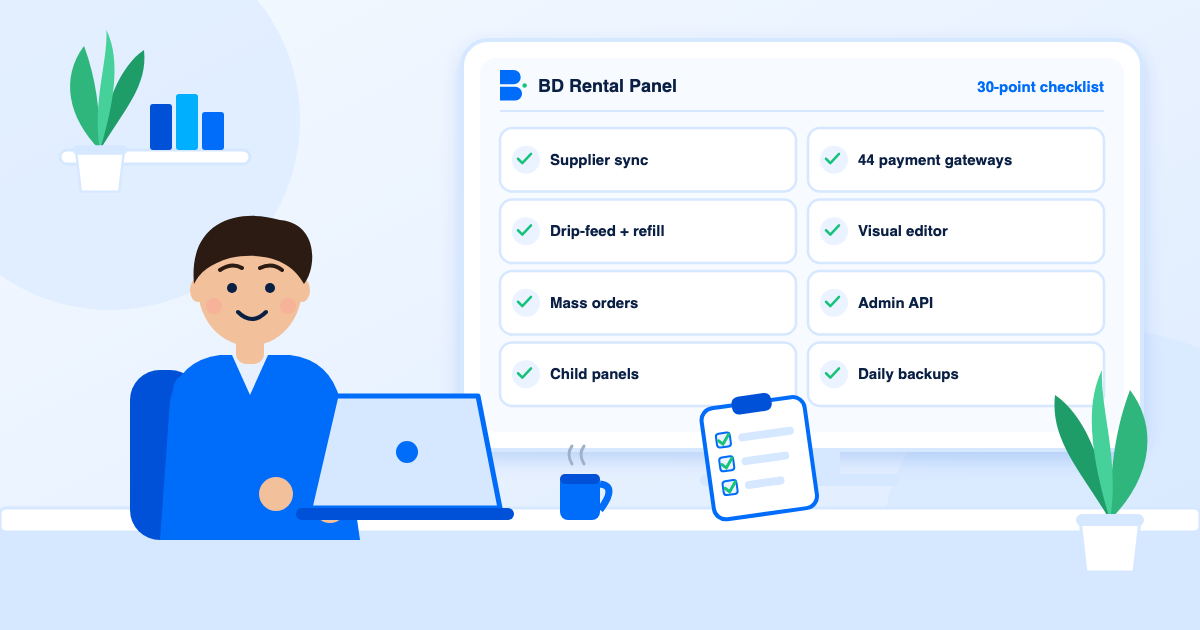
Fill it in right after each test, while it is fresh. Use the features checklist to check anything the demo does not show. When you are ready, see our plans.
| Area | Provider A | Provider B |
|---|---|---|
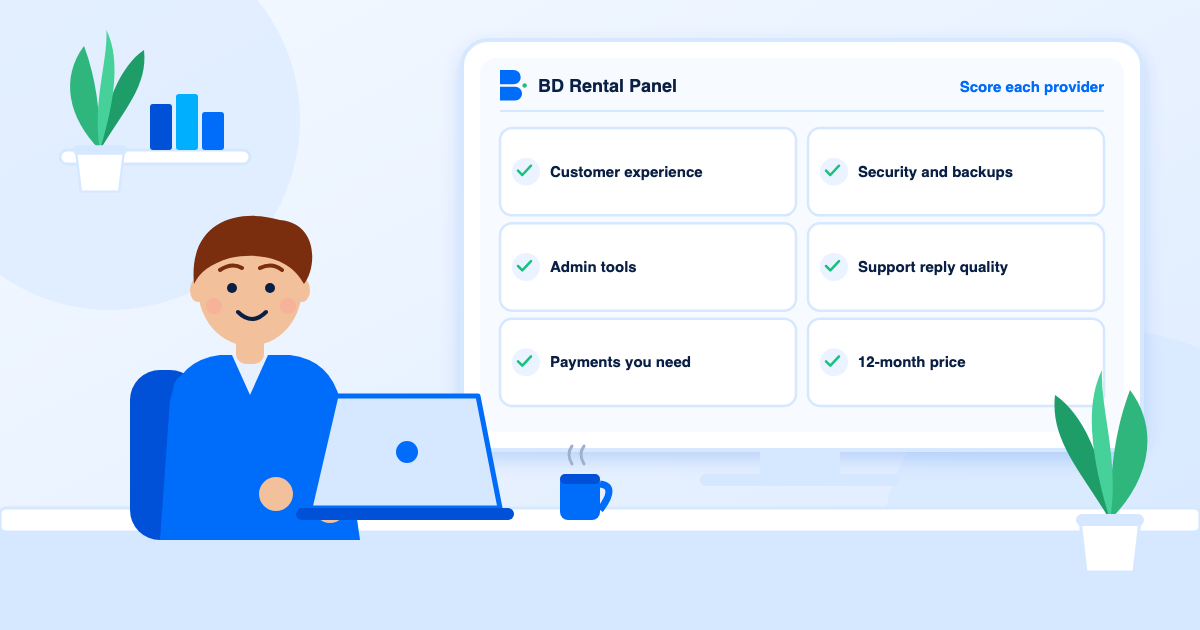
| Customer experience | 1 to 5 | 1 to 5 |
| Admin tools | 1 to 5 | 1 to 5 |
| Payments you need | 1 to 5 | 1 to 5 |
| Security and backups | 1 to 5 | 1 to 5 |
| Support reply quality | 1 to 5 | 1 to 5 |
| Total price for 12 months | $ | $ |
What a demo cannot show you
A demo is a controlled environment. It will not show how a provider behaves when an update breaks something, when payments fail or when your panel is attacked at three in the morning. So treat the demo as one input and add three more: the written terms, the published security detail and the quality of the first support reply. If any of those is missing, that is information.
Reading the customer side critically
- How many clicks from the home page to a first order?
- Are prices shown per 1,000 with clear minimum and maximum quantities?
- Do service names follow a consistent pattern?
- Is the add-funds page clear about fees and limits?
- Does the page stay readable on a phone with a slow connection?
Reading the admin side critically
- Can you find order tools (resend, cancel, refund, edit link) without help?
- Does importing services let you choose categories, or does it dump everything?
- Can you change prices by a percentage across a whole category?
- Is there a profit report so you know what you earn?
- Can staff have limited access, and is there an activity log?
Red flags inside a demo
Be wary of a demo that is only screenshots, a demo with every interesting button disabled, a demo that resets before you can finish a task and a demo that asks for payment details. A confident provider lets you try the real thing.
After the demo
- Total your scores and the 12-month price for each provider.
- Read the terms of the top two.
- Start the leader on a monthly plan, not a yearly one.
- Run the first-week plan in the rental panel setup guide.
Preparing for the test
Set a timer, open a blank spreadsheet and write the provider names across the top. Prepare a throwaway email address for sign-up and decide in advance which payment method and which supplier you would really use. Preparing takes five minutes and stops you drifting into whatever the demo wants to show.
A sample support question
Send the same message to every provider: "I want to run a panel with two suppliers and take payments by one local gateway. Which plan do I need, is anything limited, and what happens if I am late with a renewal?" Compare how fast they answer, whether the answer is specific, and whether it matches what their pricing page says. A reply that contradicts the website is worth knowing before you pay.
Turning scores into a decision
Weight the rows by what matters to you. A panel that sells mainly through an API should weight admin tools and the API heavily; a panel that sells to the public should weight customer experience and payments. Multiply, total and look at the gap. If two providers are within a few points, choose the one with the clearer terms and the better support reply, because those are the things you cannot fix later. The features checklist can fill any gaps the demo left.
Frequently asked questions
Customer signup and ordering, supplier connection and service import, price editing, theme editing, payment setup, security settings, mobile view and support replies.
About 30 minutes per provider.
It is a strong start. Also read the terms and send a support question, then start on a monthly plan.
On the [pricing page](/pricing).
Yes. Two or three, using the identical test, gives you a fair comparison.
Launch your own rental panel
Hosting, SSL and updates included, live on your domain in minutes.