Is a Rental Panel Safe? Red Flags, Scams and a 10-Step Check
Most rental panels are honest. Some are not. Learn the warning signs, the real risks and a ten-step check you can run before you send a cent.
Key takeaways
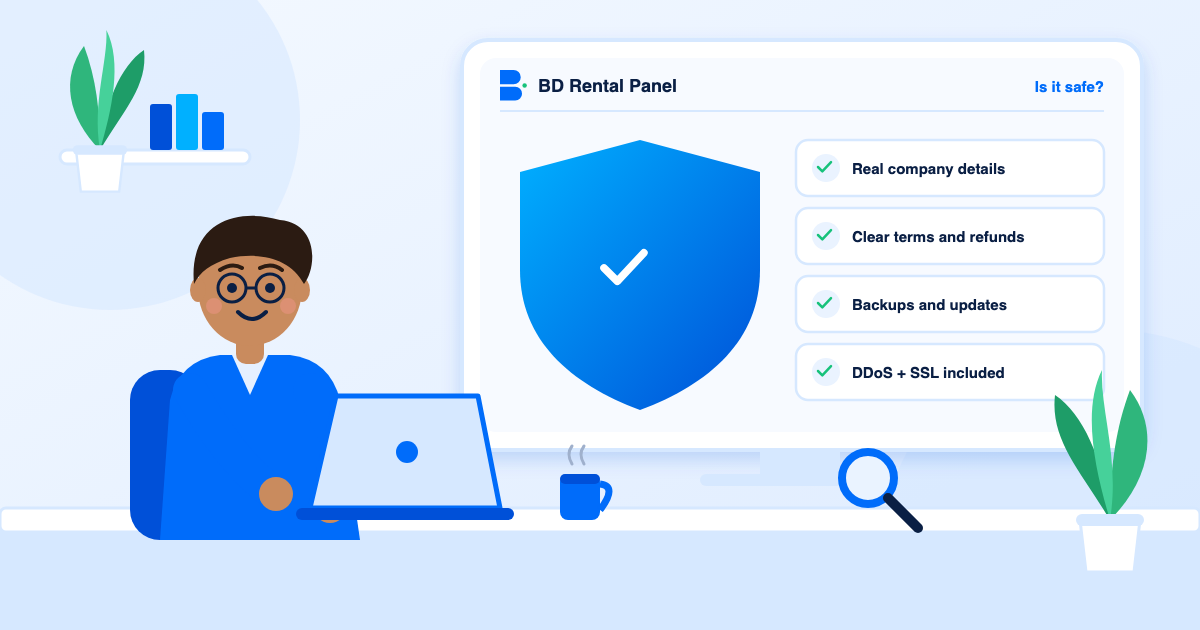
- A rental panel is safe when the provider is transparent and you keep control of your domain and data.
- Most losses come from disappearing providers, weak security and lock-in, not dramatic fraud.
- Unrealistic prices, no terms, no demo and support only by private message are the loudest warning signs.
- Start monthly, own your domain and export your data regularly.
It is a fair question and the answer is "it depends on who you rent from and how you set it up". The category has long-running, transparent providers, and it has people who take a payment and vanish. Telling them apart is a skill you can learn in an evening.
What can actually go wrong
- The provider disappears and your panel goes offline.
- Weak security: no DDoS protection, old software, shared admin logins.
- Lock-in: you cannot export customers or orders.
- Surprise charges: setup, "upgrade" or per-order fees that appear later.
- Bad updates with no backup to return to.
- Domain control: the provider registered your domain in its own name.
Fifteen red flags
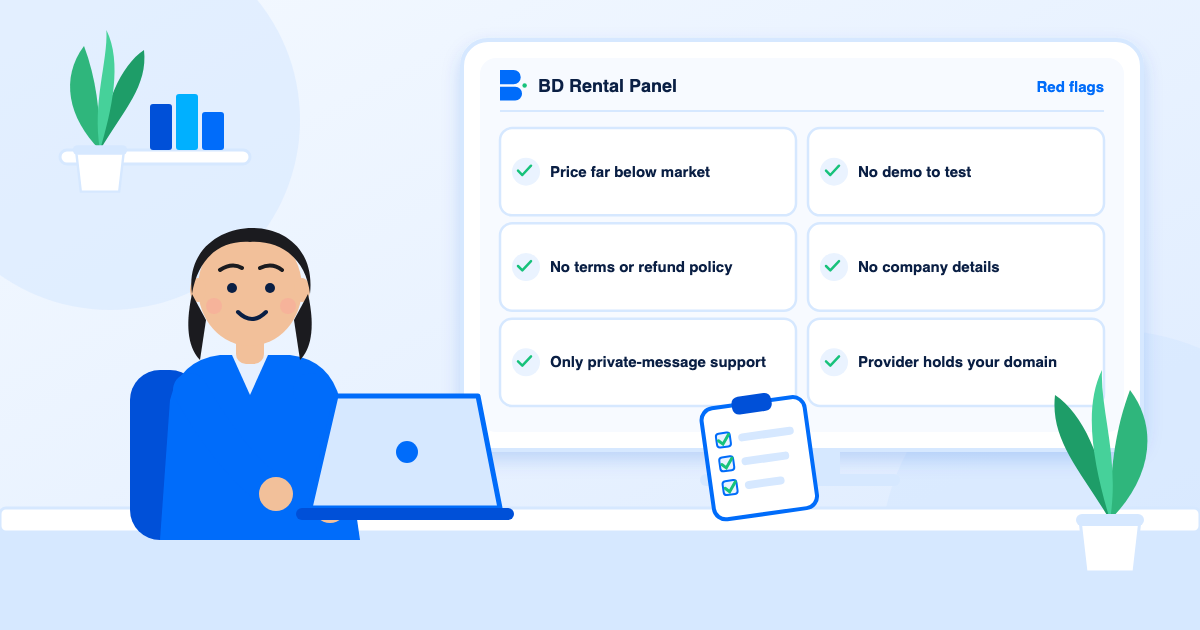
- A price far below the market. Hosting, SSL, backups and support cost money.
- No terms, privacy or refund policy.
- No demo you can test.
- Support only by private message. Tickets leave a record.
- No company name or contact details.
- "Lifetime" access for a tiny fee. See Rent My Panel compared.
- Payment only to a personal wallet, with no invoice.
- Pressure: countdown timers and "last slot" messages.
- "Unlimited" with a cap in the small print.
- The provider controls your domain.
- No mention of backups.
- No mention of SSL or DDoS protection.
- Copied or vague reviews with no specifics.
- A different brand name on every page.
- No way to export your data.
What a transparent provider shows
It lists plans and prices, states the setup fee, names its security features, explains backups and updates, publishes terms and lets you test a demo. Here the pricing page shows four plans, a $0 setup fee and no revenue share, and the features page names SSL, DDoS protection, a firewall, captcha, two-factor sign-in, staff roles and daily backups. That level of detail is not a guarantee, but it is what honest providers publish.
The ten-step check
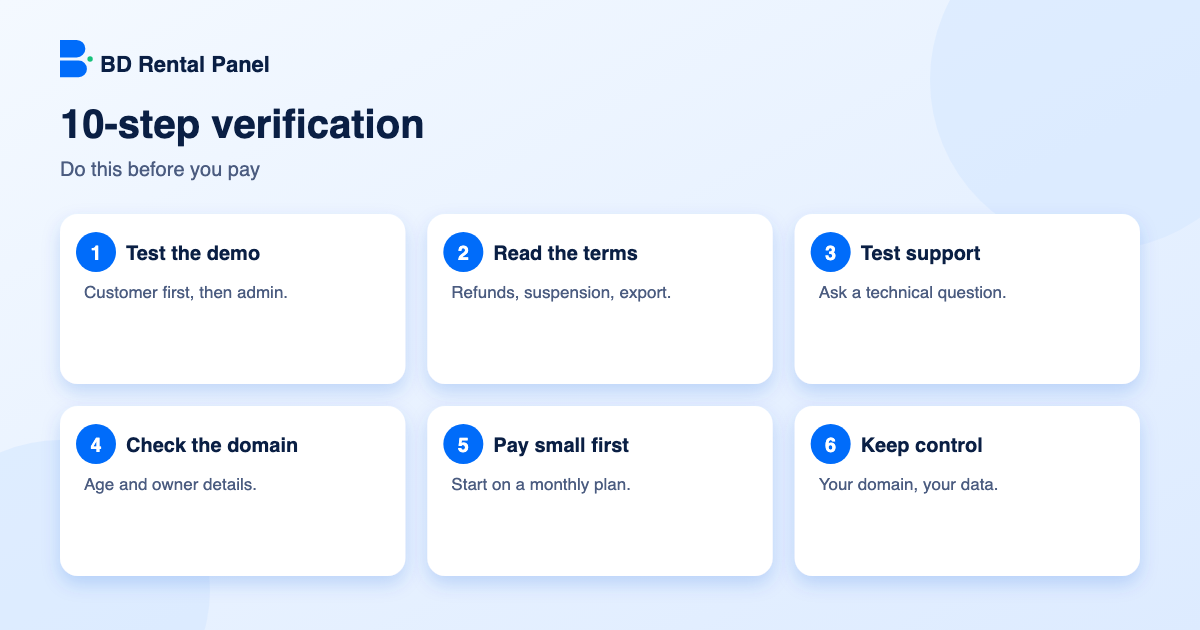
- Open the demo and place an order as a customer, then look around as admin.
- Read the terms, privacy and refund policies for suspension and data export.
- Send a technical question by ticket and judge the reply.
- Look up the domain's age and owner details.
- Search for independent mentions and read a few critically.
- Check that payment goes through a proper checkout with an invoice.
- Start on a monthly plan, never a year.
- Register your own domain at a registrar you control.
- Export customers and orders regularly.
- Know how you would move if you had to. See how to switch provider.
Protect the panel once you have it
Turn on two-factor sign-in, use a long unique password, give each staff member their own account and review the activity log. Set minimum and maximum payment amounts and require email verification for new accounts. The security checklist goes through each step.
Also remember that social networks have their own rules about the services panels deliver, and your country has its own rules about online business and payments. This page is not legal advice, so read the terms of the platforms you work with.
Questions worth asking the provider
A provider that answers plainly and in writing is behaving the way a trustworthy one does.
- Who owns and operates the service, and how can I contact them?
- What is included in the price and what is extra?
- How are backups taken, and how do I restore?
- What happens if a renewal is late?
- Can I export all my data at any time?
What to do if something goes wrong
- Stop sending money and keep messages, invoices and receipts.
- Contact your payment provider about a dispute if the method allows it.
- Secure your domain: change registrar and DNS passwords and check the nameservers.
- Change any passwords or keys you shared, including supplier keys.
- Export what you can and move. See how to switch provider.
Why a rental panel is often safer than building
Hosting a script yourself means you own the servers, patches, SSL, backups and attack protection. One missed update can cost more than years of rent. A reputable rental provider takes that work on and does it at scale. Compare the real costs in build or rent.
Reading reviews without being fooled
- Look for specifics: dates, plan names and what actually happened.
- Be suspicious of a wall of five-star reviews posted on the same day.
- Read the three-star reviews first; they are usually the most honest.
- Check whether the provider replies to complaints, and how.
- Treat reviews on the provider's own site as marketing, and look elsewhere too.
A first-month safety plan
By the end of the first month you will know how the provider behaves under ordinary use, which is worth more than any promise made before you paid.
- Pay for one month only.
- Do not load large supplier balances until orders are flowing.
- Export your customer and order data at the end of week one and week four.
- Put your domain expiry date in your calendar.
- Review the activity log and staff access every week.
Frequently asked questions
It is safe when the provider is transparent about terms, security and backups, and you own your domain and keep your own records.
Unrealistic prices, no terms, no demo, no company details and support only by private message are the main signs.
Keep your domain in your own registrar account and export your data regularly so you can move.
Not by itself, but a price that cannot cover hosting, SSL, backups and support deserves questions.
Not usually. Self-hosting puts servers, patches, backups and attack protection on you.
Launch your own rental panel
Hosting, SSL and updates included, live on your domain in minutes.