Rental Panel Branding and Themes: How to Make a Rented Panel Look Like Yours
Visitors decide in seconds whether your panel looks real. Here is how to choose a theme and brand a rented panel so it reads as a business.
Key takeaways
- White label means your domain, logo, name and colours, with no one else's branding on your pages.
- Pick a theme for your audience, then use the visual editor (Premium plans) or the code editor (every plan).
- Clean service names and a clear catalogue do more for trust than a fancy banner.
- Image alt text and page titles make your branding visible to search engines too.
Two panels can sell the same services at the same price, and the one that looks like a real company wins. A rental panel gives you a finished storefront; branding is what turns it into yours. This guide goes in the order that saves the most time. The business case is in white label rental panel.
Step 1: choose the theme for your visitors
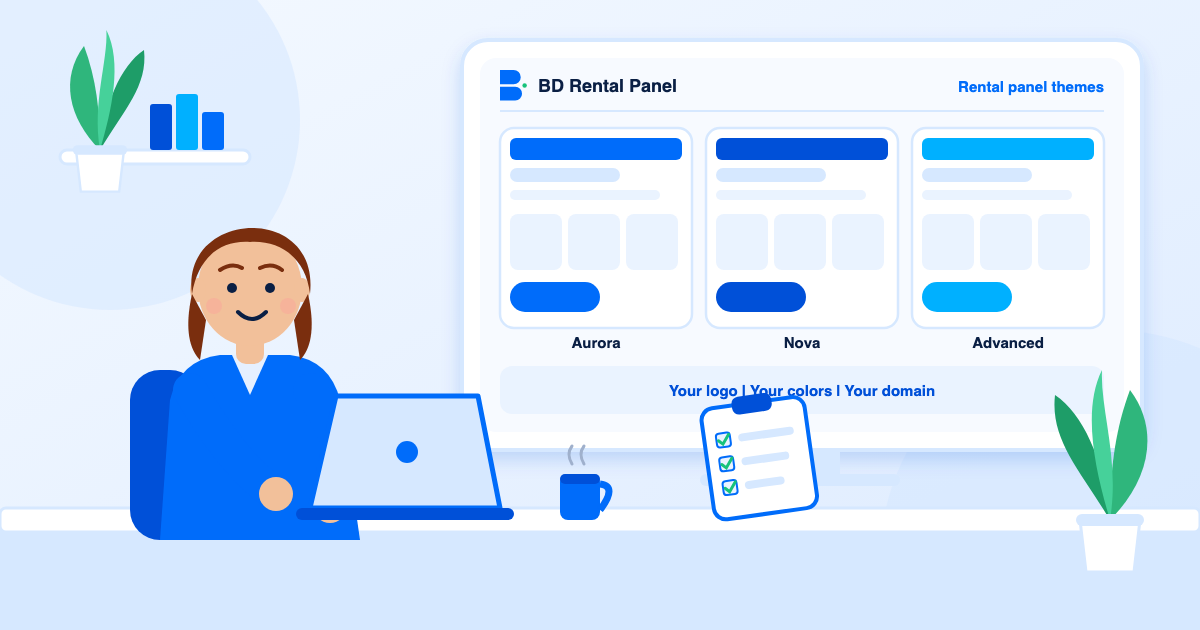
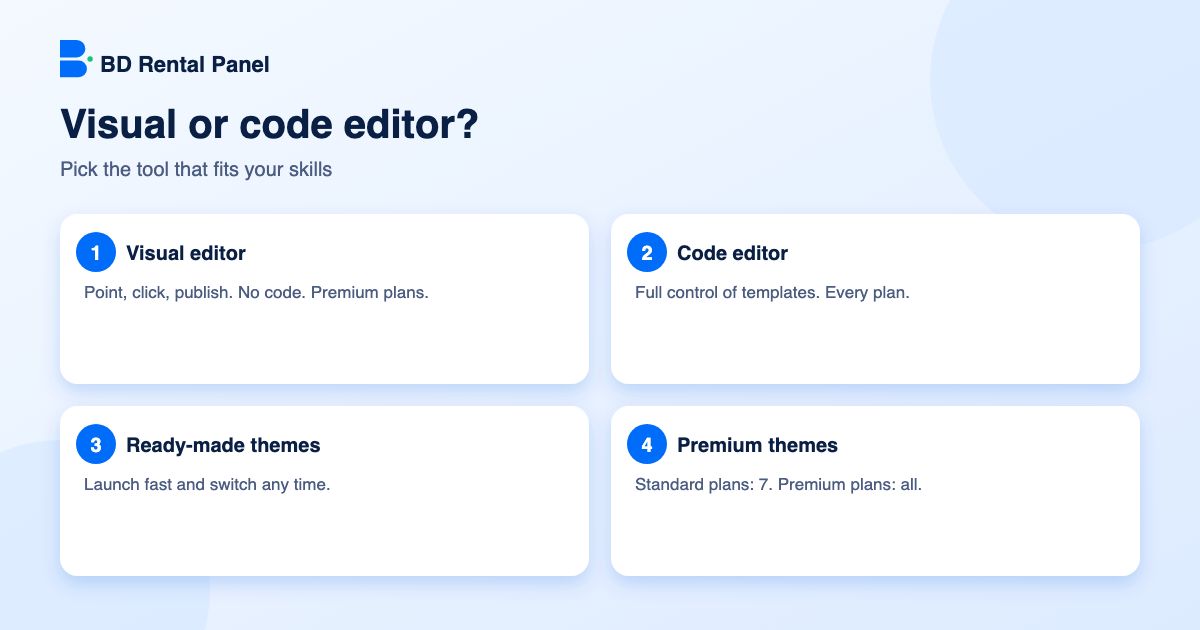
Think about who lands on your site. Young creators like bright, fast, mobile-first layouts. Agencies prefer calm and professional pages with clear prices. Resellers want a quick ordering page with search. Standard plans here include 7 premium themes, and Premium plans include all of them; you can switch any time without touching orders or services.
Step 2: pick your editor
The visual editor lets you change text, images, colours and sections by pointing and clicking, then publish. It needs no code and is included on Premium plans. The code editor gives you the templates for full control and is on every plan. Non-developers usually choose the first; developers the second. Either way, edit on a copy of what is live and publish when you are happy.
Step 3: identity
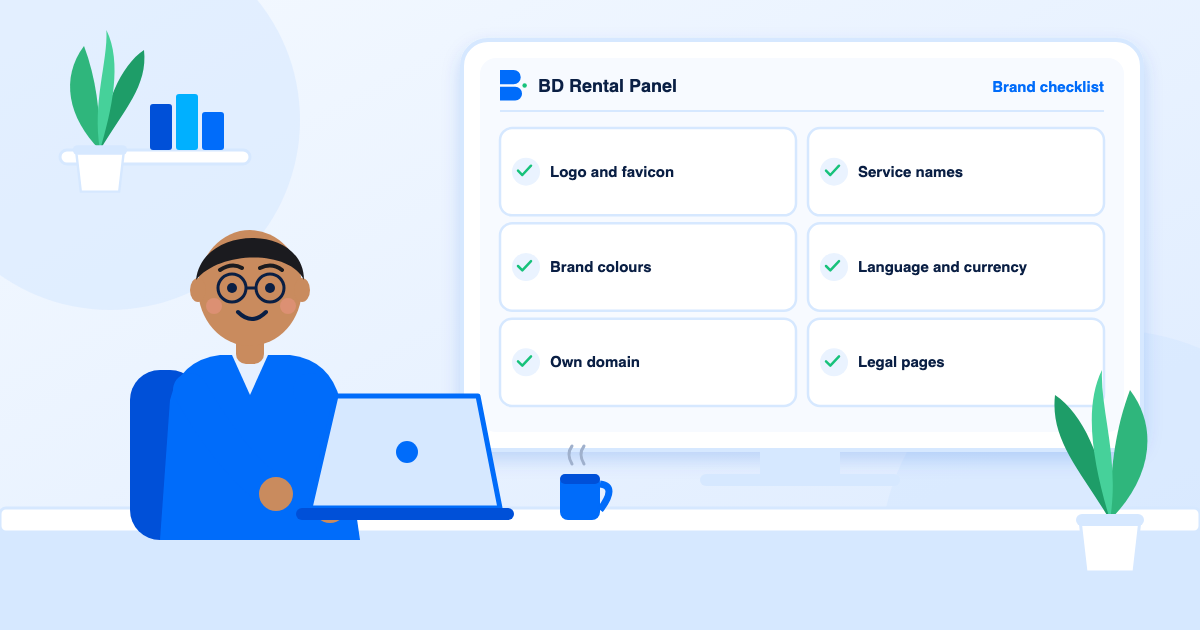
- Logo and favicon. A clean logo on a transparent background and a square favicon, both light in file size.
- Colours. One primary and one accent. Use the primary for buttons and links.
- Name and tagline. Easy to spell and say, with the benefit in the tagline.
- Domain. Short and brandable, registered in your own name. DNS and SSL are handled for you here.
Step 4: a catalogue that looks professional
- Rename services with one pattern, for example platform, type, quality and refill window.
- Group them into clear categories.
- Write short descriptions on speed, quality and refill terms.
- Use a supplier alias so staff see a label instead of the real supplier name.
Step 5: language and currency
Speak your customers' language. Multi-language panels offer language packs and right-to-left layout, and here AI auto-translation handles service names, category names and descriptions so you are not translating by hand. Pair it with multi-currency display so people see prices they recognise.
Step 6: trust elements
- About and contact pages, plus a ticket system.
- Terms, privacy and a clear refund policy. See terms and refund policy.
- Logos of the payment methods you accept.
- An FAQ on delivery time, refill and refunds.
- A blog with useful posts, which also brings search visitors.
Step 7: brand for search engines
Branding and SEO work together. Write a unique page title and description for your home page and key pages, give every image a short honest alt text, keep URLs clean and publish helpful posts. The built-in sitemap, robots file and blog fields do the plumbing. See SEO for SMM panels.
Mistakes that make panels look cheap
- Default logos or sample text left in place.
- Too many colours and fonts.
- Huge uncompressed images that slow mobile pages.
- Typos in service names.
- A different name on different pages.
A 60-minute plan
- Minutes 0 to 10: choose a theme on the demo.
- Minutes 10 to 20: upload logo and favicon, set colours.
- Minutes 20 to 35: rename your top 20 services and add descriptions.
- Minutes 35 to 45: set language, currency and payment instructions.
- Minutes 45 to 55: write the home page title, description and an FAQ.
- Minutes 55 to 60: place a test order on your phone and fix what feels awkward.
Design principles for SMM storefronts
- One main action per screen. On the home page it is sign up or add funds.
- Clear prices. Show price per 1,000 with minimum and maximum quantity.
- Fast pages. Compress images; heavy pages lose mobile visitors.
- Consistent naming. One pattern for every service title.
- Visible trust. Show accepted payment methods and a support link.
Image SEO for your storefront
Every image should have a short, honest alt text that describes what it shows, for example "SMM panel dashboard showing order history", not a string of keywords. Use descriptive file names and compress before uploading. Good alt text helps visitors who use screen readers and helps search engines understand the page.
Testing the result
Open the storefront on a phone, on a laptop and in a private window. Place a minimum order, read every page you would read as a stranger and fix whatever makes you hesitate. Ask two people who have never seen the panel to find a service and add funds without help. Where they stumble is where visitors will too.
Writing the words on your storefront
Design is half the job; the words are the rest. Write a home page headline that says what you sell and who for, in one sentence. Use short paragraphs and plain language. Replace vague claims such as "best quality" with specifics such as "refill for 30 days on selected services". Add a short FAQ about delivery time, refill and refunds, and link to your terms. Customers who understand the rules before ordering open fewer tickets afterwards.
Keeping the brand consistent
- Use the same name, logo and colours on your site, emails, social profiles and invoices.
- Write one short style note: tone of voice, words to avoid, how to address customers.
- Use the same email signature for every support reply.
- Review the whole customer journey once a quarter: sign-up email, order status, ticket replies, refund message.
Frequently asked questions
Yes. A white label panel uses your domain, logo, name and colours.
No. Premium plans include a visual editor. The code editor is on every plan for developers.
Yes, without touching your orders or services.
Yes. Language packs, right-to-left layout and AI auto-translation of service names and descriptions are included.
Small refreshes once or twice a year are enough. Change what you measure to be hurting conversion rather than redesigning for its own sake.
Launch your own rental panel
Hosting, SSL and updates included, live on your domain in minutes.