BD Rental Panel vs My Rental Panel: Plans, Gateways and Tools Compared
My Rental Panel sells Baby, Mother and Child plans. BD Rental Panel sells four flat ones. Here is how they differ where it counts.
Key takeaways
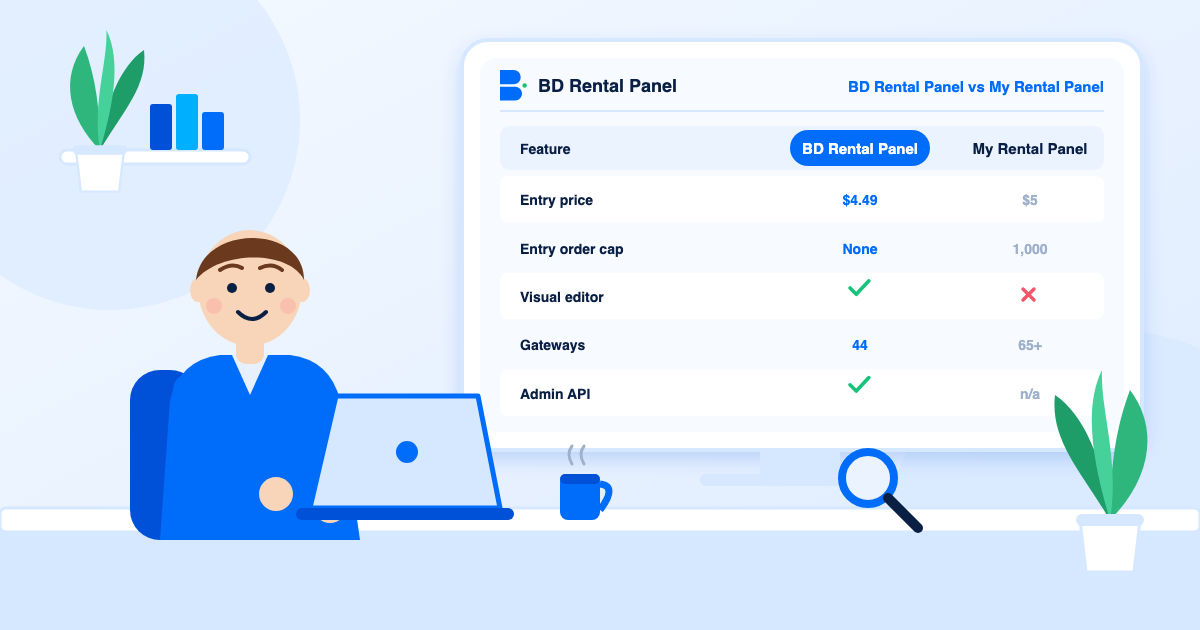
- My Rental Panel lists Baby $5 (up to 1,000 orders), Child $7, Mother $10 and a $50 plan for 15 panels.
- BD Rental Panel starts at $4.49 and puts no order cap on any plan.
- My Rental Panel advertises 65+ gateways; here there are 44, so check that your customers' method is on the list.
- The $10 Mother plan and a flat plan here are close, so the tools decide.
The names are similar and the promise is the same: rent a ready SMM panel, point your domain at it and start selling. The useful question is what changes once you look past the promise. Facts about My Rental Panel below come from its public site in November 2026; ours come from the pricing page.
Plan structure
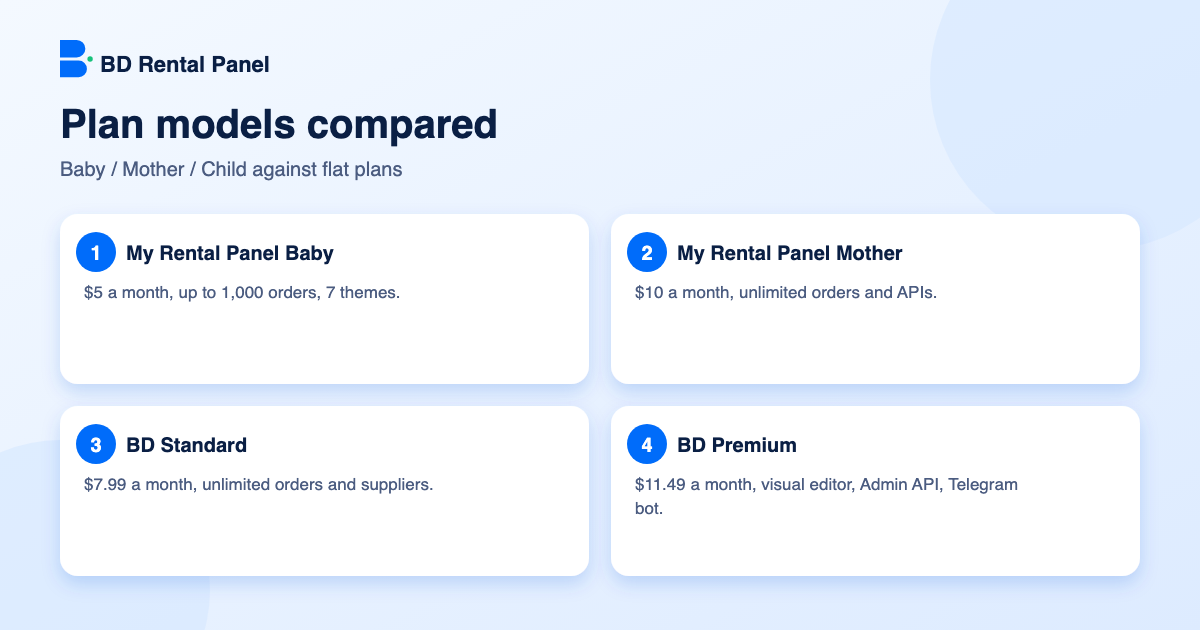
My Rental Panel follows the older rental vocabulary. A Baby panel at $5 a month is capped at 1,000 orders and 7 themes. A Child panel at $7 has one API. A Mother panel at $10 has unlimited orders, unlimited APIs and 25+ themes. A reseller bundle at $50 includes 15 rental panels.
BD Rental Panel has four plans and no cap: Standard Child Plan at $4.49, Premium Child Plan at $6.49, Standard Plan at $7.99 and Premium Plan at $11.49. If you want the old terms explained, read baby, mother and child panels.
Honest note: at $10 the Mother plan is not far from a flat plan here in raw capability. What separates the two is the toolbox around the panel, which is what the next sections cover.
Comparison table
| BD Rental Panel | My Rental Panel | |
|---|---|---|
| Plans | $4.49, $6.49, $7.99, $11.49 | $5, $7, $10, $50 (15 panels) |
| Orders | Unlimited on every plan | Baby capped at 1,000, others unlimited |
| Setup fee | $0 | None stated |
| Payment gateways | 44 | 65+ listed |
| Themes | 7 or all premium themes, plus visual editor on Premium | 7 on Baby, 25+ on Mother |
| Hosting | Included, CDN and DDoS protection | Included, VPS, 99.9% uptime stated |
| Admin API | Premium Plan with documentation | Not listed |
Order automation
My Rental Panel lists refill, provider sync, mass orders, duplicate blocking, loss protection (stop an order whose supplier price is above your price), auto resend and a bulk service editor. These are real, useful tools.
You get the same ground here, and more of the detail work: one-click service import, scheduled sync, percentage price edits, drip-feed, subscriptions, drop-detecting refill, start-count parsing and auto-complete detection. If you run a large catalog, the saving is hours a week. See refill and drip-feed explained.
Payments: the number is not the point
My Rental Panel lists more gateways than we do, 65+ against 44. A bigger number is a fair point in its favour. But a panel only needs the three to eight methods its customers actually use. Ours cover cards, PayPal, crypto, and the leading wallets and gateways of India, Pakistan, Bangladesh, Egypt and Africa, each with its own fee, limits and bonus.
Write down your three biggest customer countries, then check the exact gateway for each on both sites. See the gateway guide and the full payment methods list.
Security and growth tools
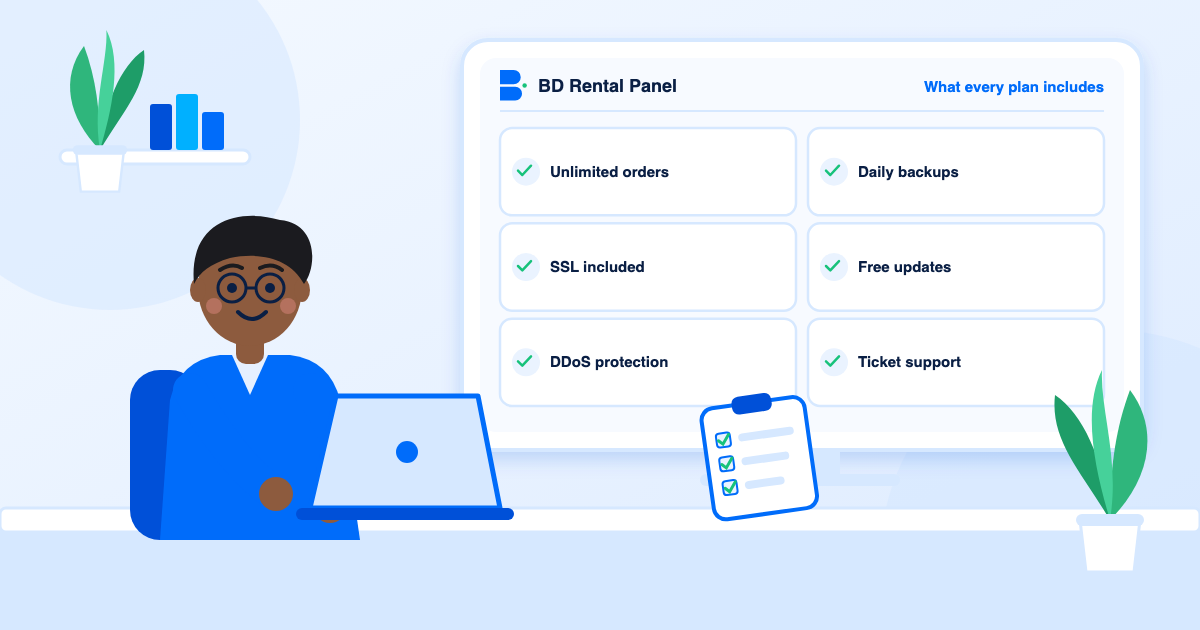
Here you get SSL, enterprise DDoS protection, a firewall, a CDN, admin captcha, two-factor sign-in, staff roles, an activity log and daily backups. Growth tools include an affiliate programme, child panel selling, email campaigns, a built-in blog, SEO controls, Zapier, Google Analytics and a Telegram bot on Premium plans.
My Rental Panel lists two-factor sign-in, an activity log and 99.9% uptime. Ask it what protects you from attacks and how backups work, then compare.
Which to pick
- BD Rental Panel if you want no order cap from the first plan, a lower entry price, a visual editor, an admin API and documented security.
- My Rental Panel if a gateway only it supports is essential to you, or you plan to run many panels yourself on the $50 bundle.
Three owners, three choices
A first-time owner with about 300 orders a month does fine on either. A Standard Child Plan here has no order cap; a $5 Baby plan there stops at 1,000 orders. Choose on tools and demo feel.
An operator who buys the same service from five suppliers needs unlimited connections, scheduled sync and bulk price edits. On both sites that means a full plan; the difference is how much runs by itself afterwards.
An agency with client accounts needs custom rates, staff roles, an activity log and an API. The Premium Plan here bundles those with the admin API and documentation.
A fair trial of both
Open both demos in one sitting. Time how long it takes to find add funds, import ten services and change a theme colour. Send each provider the same support question. Write the numbers in a table and score each row from one to five. The demo test guide has a ready-made plan.
Updates and support in practice
Neither side publishes everything, so judge by behaviour. Ask each provider how often it ships updates, how it announces them and what happens if one causes a problem. Here updates arrive with a backup taken first and a way back, and tickets are answered inside your dashboard. My Rental Panel lists support in its plans and a weekly update schedule; ask how a bad update would be reversed.
Hidden extras to look for
Here none of those apply: the plan table on the pricing page is the whole price list.
- Premium themes or the editor sold separately.
- Extra charges for more suppliers or more staff.
- A paid add-on for the admin API.
- Fees to restore a backup.
Frequently asked questions
Yes. It offers a lower entry price of $4.49, unlimited orders on every plan and no setup fee.
My Rental Panel lists 65+ and BD Rental Panel has 44. Check that your customers' method is supported on either.
It has child plans and full plans instead. None of them caps your orders.
Full plans can sell child panels to your own customers.
Full plans can sell child panels to your own customers, which is a different model from renting many panels for yourself.
Launch your own rental panel
Hosting, SSL and updates included, live on your domain in minutes.