How to Switch Rental Panel Provider Without Losing Customers
Switching providers is routine when it is planned. Here is the order of operations that keeps downtime short and customers calm.
Key takeaways
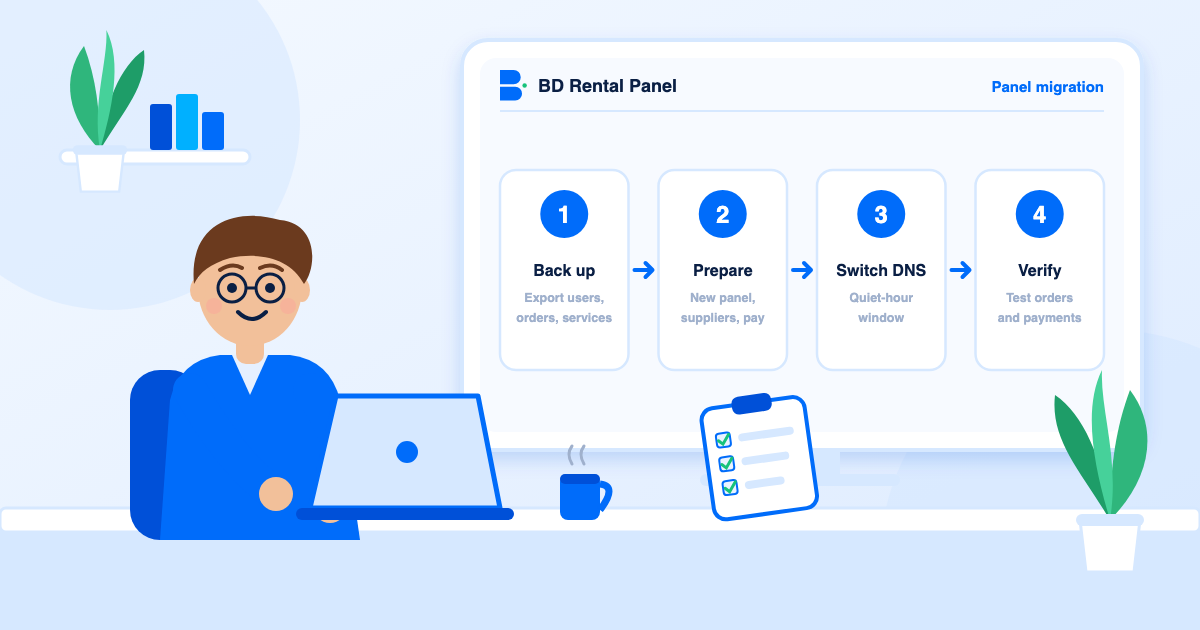
- You must control your domain before you can move. Check that first.
- Build and test the new panel completely before touching DNS.
- Carry balances over carefully and keep a reconciliation sheet.
- Keep the old panel for one to two weeks after the switch.
People stay with a provider they have outgrown because the move feels risky. It is not, if you do it in the right order. What you can export depends on your current provider, so ask them what they provide and test everything on the new panel before you move your domain.
Is switching worth it?
Good reasons: your platform bill keeps rising with orders (see pricing models explained), support is slow, there is repeated downtime, a feature you need is missing, or protection is weak. Weak reasons: a one-off bug that has since been fixed or a small difference in interface taste. Score both providers on the features checklist before deciding.
Step 1: confirm you own the domain
This is the one step with no workaround. The registrar login must be in your name. If the old provider registered the domain for you, ask for the transfer details today.
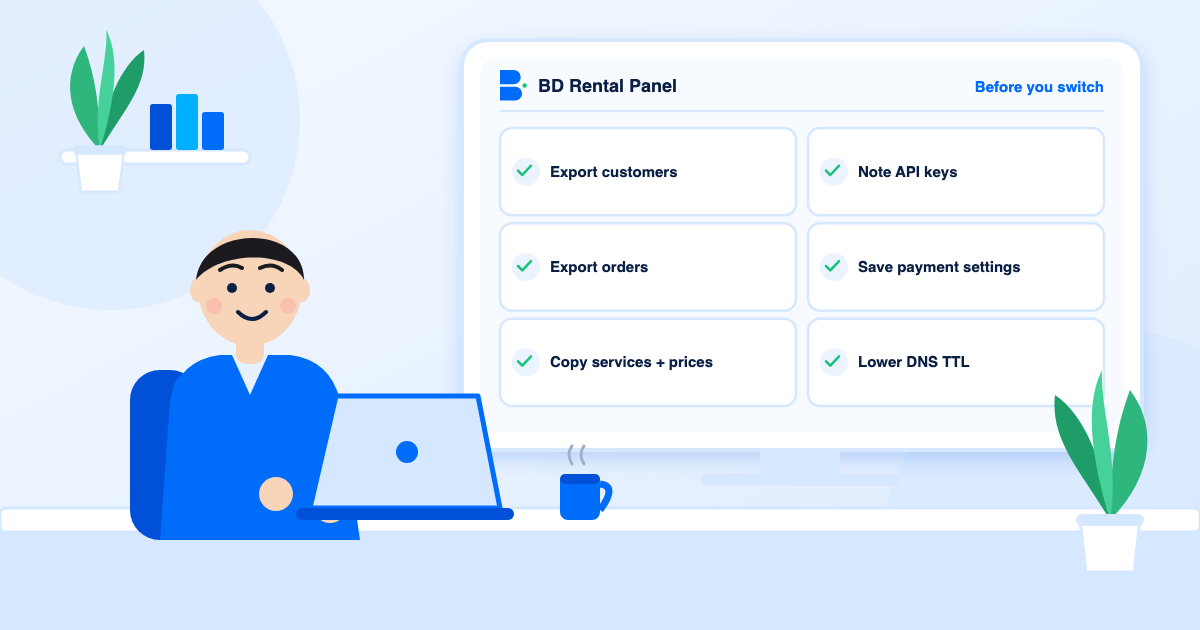
Step 2: export everything you can
- Customers with emails, balances and custom rates.
- Orders and payments, for your records and for reconciling balances.
- Services, categories, descriptions, prices and supplier mapping.
- Payment gateway settings, languages, currencies, email templates and legal pages.
- Supplier API keys, stored somewhere safe.
- Logo, favicon, images and any custom code.
Step 3: build the new panel first
- Connect your suppliers and import only the services you really sell.
- Recreate categories and descriptions; apply your margin with percentage editing.
- Enable payment gateways and run a small test deposit through each.
- Apply branding, languages and currencies.
- Create staff accounts and turn on two-factor sign-in.
- Add customers and balances if you are carrying them over.
Step 4: handle balances honestly
Balances are money customers have already paid. Choose one approach and tell people plainly: carry balances over by crediting the same amounts and reconciling against your export, let balances run down on the old panel while new customers use the new one, or refund them. Whichever you pick, keep a reconciliation sheet.
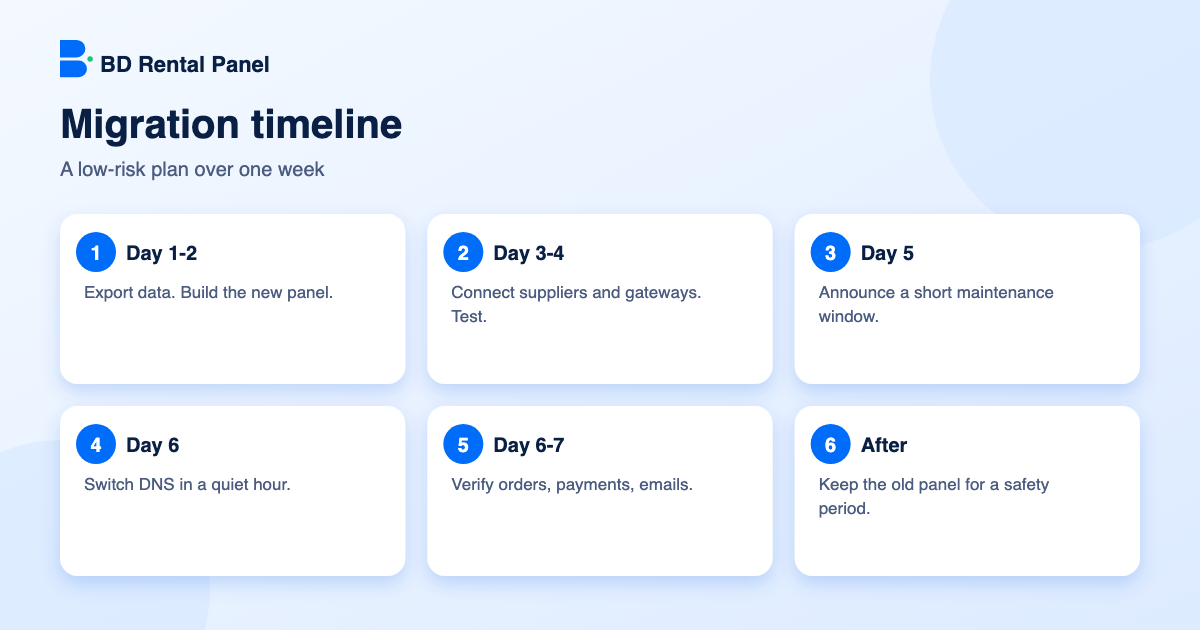
Step 5: lower TTL, warn customers, switch
- A day or two ahead, lower the TTL of your DNS records to a few minutes.
- Announce a short maintenance window by notification and email, in your quietest hour.
- Put the old panel in maintenance mode, take a final export and apply final balances to the new one.
- Switch DNS to the new panel and wait for it to spread.
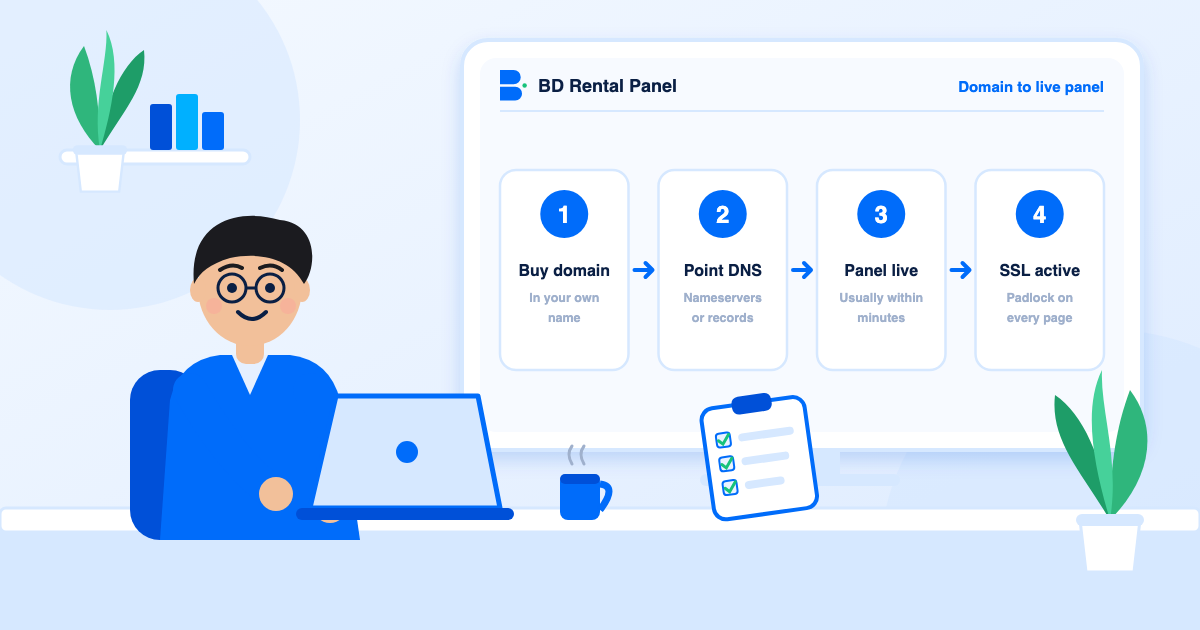
- Confirm SSL is active. See domain, DNS and SSL.
Step 6: verify, then keep the old panel a while
Place a test order per supplier, make a small deposit per gateway, sign up as a new customer, open and answer a test ticket, and watch the first hour of orders for errors. Do not cancel the old subscription on the same day: keep it for one to two weeks to reconcile anything odd, then export a last copy and cancel.
Mistakes to avoid
- Switching DNS before testing the new panel.
- Forgetting payment gateway callback settings.
- Importing every old service instead of a clean catalogue.
- Changing prices and platform on the same day, which hides the cause of any problem.
- Cancelling the old panel too early.
Message templates
Before the move: "We are upgrading our panel on [date] between [time] and [time]. Your balance and order history are safe. Orders placed before the window will complete as normal."
After the move: "We are back on a faster panel. If you see anything unusual, open a ticket and we will fix it quickly."
For API customers: "Your API address and key stay the same. If a request fails, send us your user name and the time of the request."
What to measure after the switch
If any of these moves sharply the day after, look at the most recent change first.
- Orders per hour compared with the same hour last week.
- Failed orders and their reasons.
- Deposits completed per gateway.
- Tickets mentioning the move.
When not to switch
Do not move in the middle of a promotion, a holiday rush or while you are also changing prices. A migration deserves a quiet week and a clear head. If your reason for switching is price, work out the real twelve-month difference first with the method in pricing models explained.
Frequently asked questions
Yes, if you control your domain and can export your data. Build and test the new panel first, then switch DNS in a quiet hour.
Only briefly, and only if you plan well: warn them, carry balances over carefully and test orders and payments straight after.
Preparation and testing take a few days. The DNS switch itself is short, though DNS changes need time to spread.
After one to two weeks of safe running, once you have taken a final export.
Tell them about the maintenance window and reassure them about balances. They do not need technical detail.
Launch your own rental panel
Hosting, SSL and updates included, live on your domain in minutes.