Rental Panel Uptime, Backups and DDoS Protection: What Should Be Included
A panel that is down earns nothing. Here is what uptime, backups and attack protection should mean in a rental plan, and what to ask.
Key takeaways
- Ask for specifics: what protects against attacks, how often backups run, how updates are rolled out and reversed.
- Protection layers include DDoS protection, a web application firewall, a CDN, captcha and two-factor sign-in.
- Daily automatic backups and updates that take a backup first are the minimum.
- Uptime percentages are easy to claim; the detail behind them is what you can check.
An SMM panel holds customer balances and orders, and it is a regular target for automated attacks. If it goes down on a busy day you lose orders and trust together. That is why "hosting included" is not enough information. Here is what to ask, and what good answers sound like.
DDoS protection
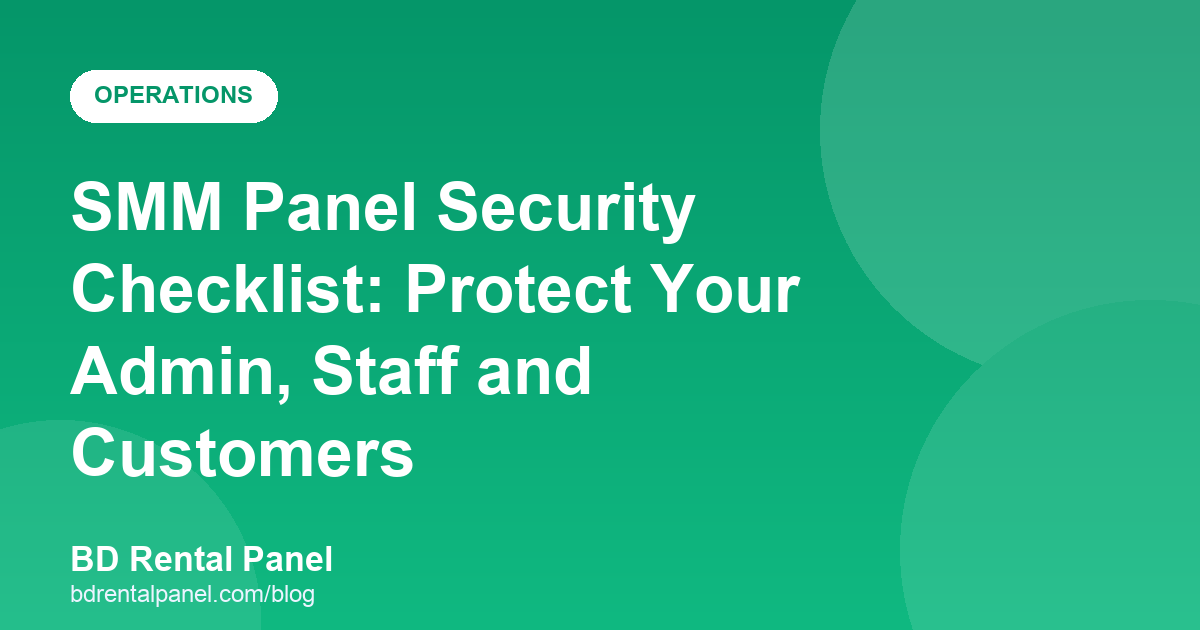
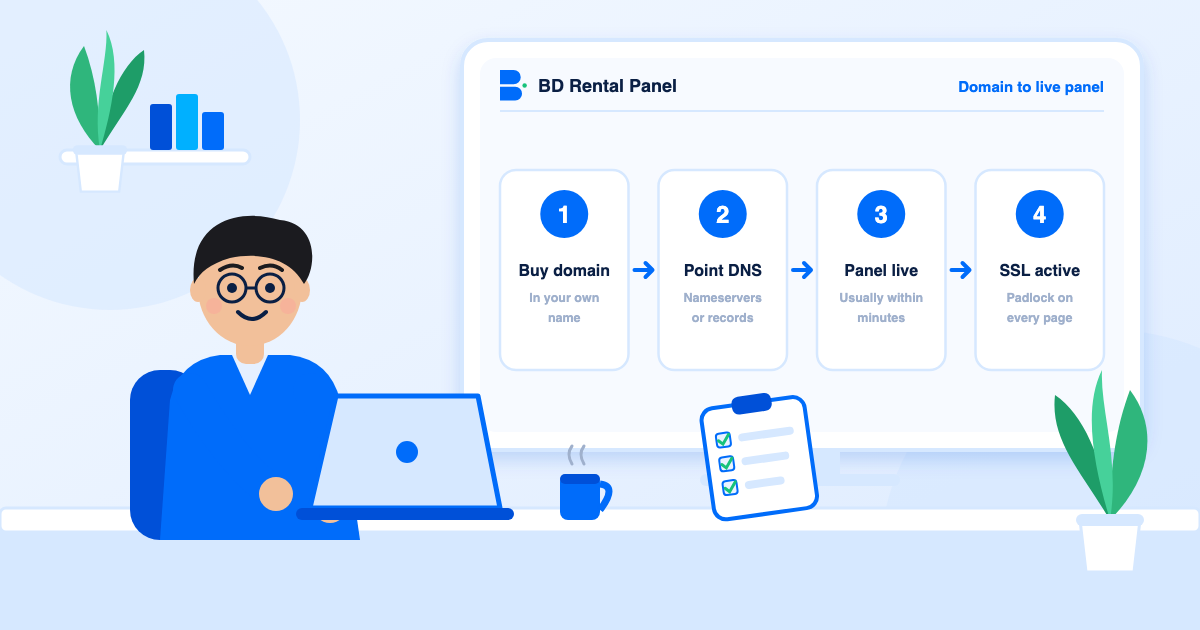
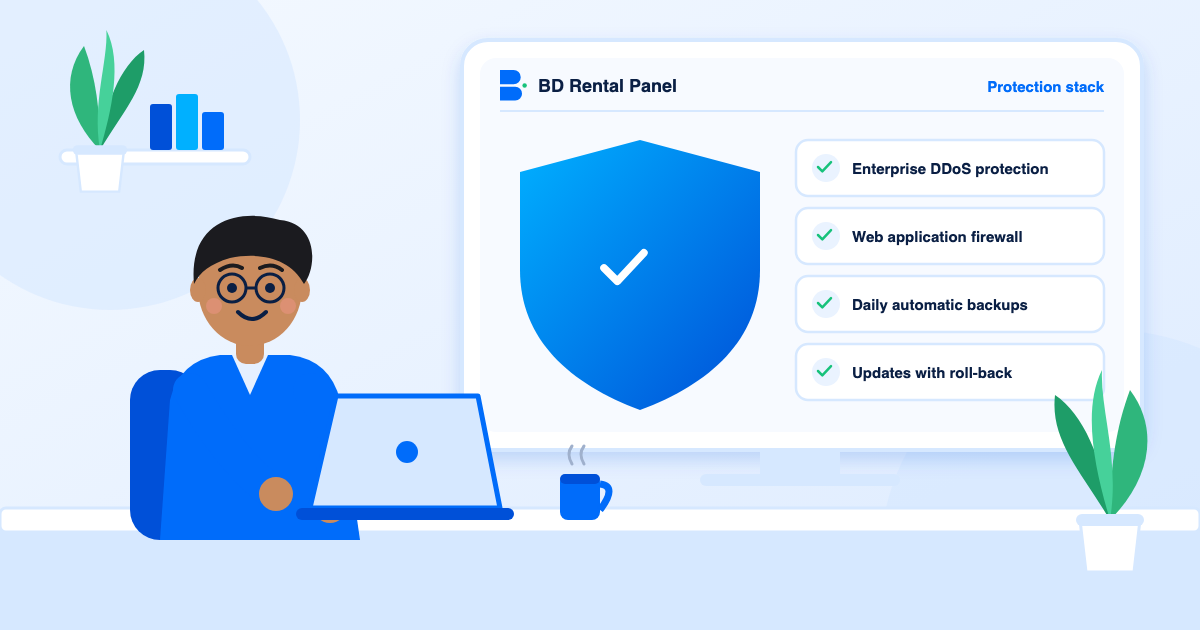
A DDoS attack floods your site with fake traffic so real visitors cannot get in. Protection filters that traffic before it reaches your panel. Ask whether it is on by default, whether it covers your own domain and what happens during a large attack. Here, enterprise DDoS protection is part of every plan.
Firewall, CDN and sign-in protection
- Web application firewall blocks common attack patterns in requests.
- A CDN serves pages quickly from nearby locations and absorbs spikes.
- Captcha on admin sign-in keeps bots and password guessers out.
- Two-factor sign-in for admin and customers stops stolen passwords from being enough.
- Staff roles and an activity log limit and record what each person does.
Backups
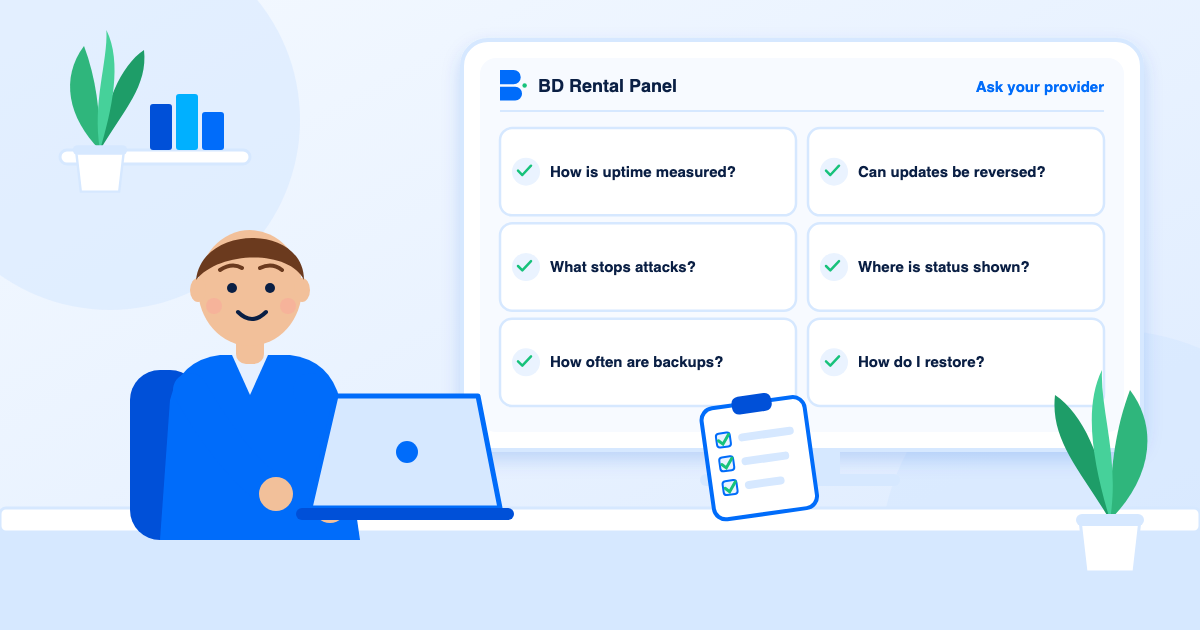
Ask how often backups run, how long they are kept and how a restore works. Daily and automatic is the baseline. A backup you have never restored is a hope, not a plan, so also keep your own exports of customers, orders and payments.
Updates that do not break things
New releases should reach your panel with a backup taken first and a way back if something goes wrong. Ask how updates are tested and whether you are told in advance. Avoid providers who push changes with no safety net.
About uptime numbers
A figure like 99.9% sounds precise. It means about nine hours of downtime a year, and it does not say how it is measured or whether planned work counts. Ask how it is measured and where the status is published. Then test yourself: run the demo test and watch the panel over a week.
Your own part
More in the security checklist.
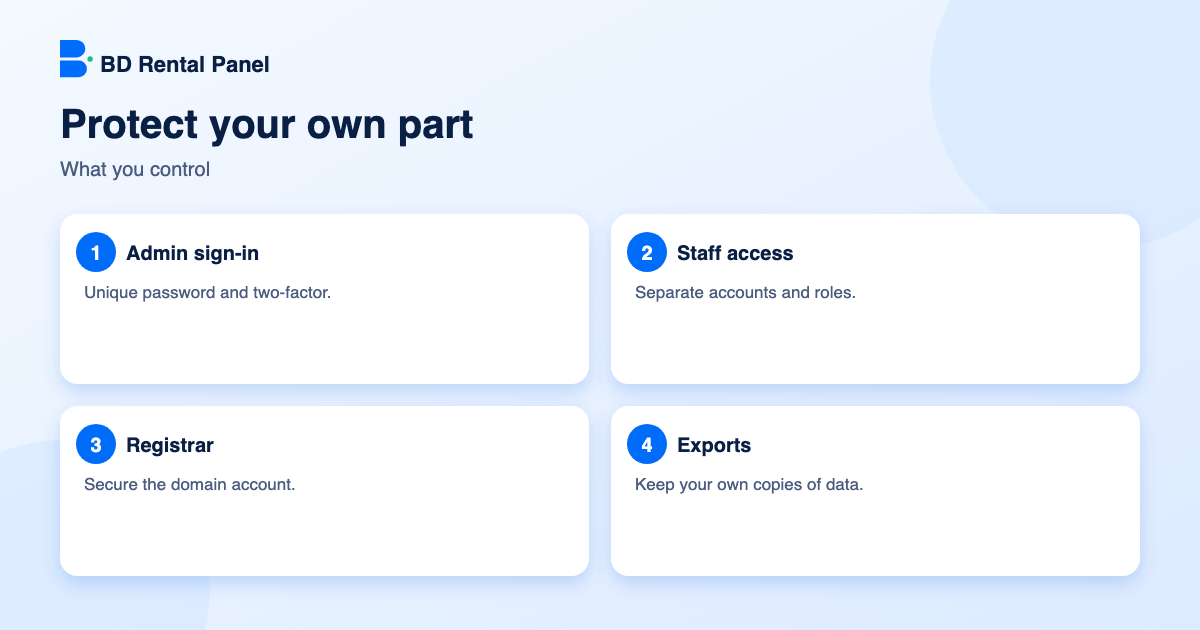
- Use a long unique admin password and two-factor sign-in.
- Create staff accounts instead of sharing yours.
- Keep your domain registrar account secure.
- Export your data regularly.
What an outage costs a panel
Take a panel that earns about $40 a day in profit. A six-hour outage on a busy evening can cost the profit of a day, plus the orders customers place elsewhere and the tickets you answer afterwards. The larger cost is trust: a customer who finds the panel down twice starts to keep a smaller balance on it. Protection is cheaper than recovery.
The attacks that actually happen
Each has a matching defence in the stack above: protection at the edge, captcha and two-factor sign-in, a firewall, email verification and rate limits.
- Traffic floods (DDoS) that make the site slow or unreachable.
- Password guessing against admin and customer sign-in.
- Automated scanners probing for known weaknesses in software.
- Bot signups that create fake accounts to abuse free balance or promotions.
- Scraping of your catalogue and prices.
Backups, properly
- Backups should run on a schedule without anyone remembering to start them.
- They should be stored away from the live site.
- You should know how long they are kept.
- A restore should have been tested at least once.
- You should still keep your own exports of customers, orders and payments.
A short incident routine
If the panel goes down, check the provider's status or ticket system first, then your domain and DNS, then recent changes you made. Tell customers briefly on social channels and by ticket, give a time to check back and avoid guessing at causes in public. After it is fixed, ask the provider for a plain explanation and note it for your records. A provider that explains its outages is easier to trust than one that never mentions them.
A provider comparison sheet
Print this table and fill it for each provider. A weak answer is not proof of a bad provider, but several in a row is a pattern.
| Question | A good answer sounds like | A weak answer sounds like |
|---|---|---|
| What stops attacks? | Named protection at the edge, a firewall and sign-in protection, on every plan | "We are secure" |
| How often are backups taken? | Daily, automatic, stored away from the live site | "When needed" |
| How are updates rolled out? | Backup first, a way back, advance notice | Changes pushed with no notice |
| Where can I see status? | A status page or clear incident notices | Nowhere |
| Can I restore? | Yes, with a described process | Ask support, maybe |
Security is a habit, not a purchase
Even the best protection cannot help if an admin password is reused from another site or a staff member shares a login. Make three habits part of how you run the panel: unique passwords with two-factor sign-in, one account per staff member removed the day they leave, and a monthly look at the activity log for anything odd. These cost nothing and prevent most real-world takeovers.
Frequently asked questions
Yes, enterprise DDoS protection and a web application firewall are part of every plan here.
Daily and automatically.
Updates reach your panel with a backup taken first and a way back.
It is a common target, about nine hours of downtime a year. Ask how it is measured.
Contact support at once, keep notes of times and symptoms and tell customers briefly. DDoS protection and a firewall are designed to absorb most attacks before they reach you.
Launch your own rental panel
Hosting, SSL and updates included, live on your domain in minutes.